
CRM Systems
A CRM That Updates Itself — and Gets Used.
CRM setup, integration, and automation that turns your customer database from a chore into the single reliable picture of your pipeline.
CRM Automation overview image
The Business Problem
What This Service Solves
Most CRMs fail the same way: bought with good intentions, half-configured, then abandoned because keeping it updated was one more job nobody had time for. The result is worse than no CRM — a database everyone distrusts, while the real pipeline lives in inboxes, memories, and sticky notes.
The cost shows up as invisible leaks: leads that were never entered, follow-ups that depended on someone remembering, handoffs where context vanished, and forecasts built on guesswork. Growing past a certain size without a working CRM means these leaks scale with you.
Service Overview
How CRM Automation Works at NYZ Digitals
CRM automation attacks the root cause of CRM failure: manual upkeep. We configure your CRM around how your sales process actually works, then automate the data entry — enquiries create contacts automatically, activity is logged without typing, leads route to the right owner, and stale deals trigger reminders instead of silently dying.
Whether you have a neglected CRM to revive or are choosing your first one, the outcome is the same: a system your team actually uses because it does most of its own housekeeping.
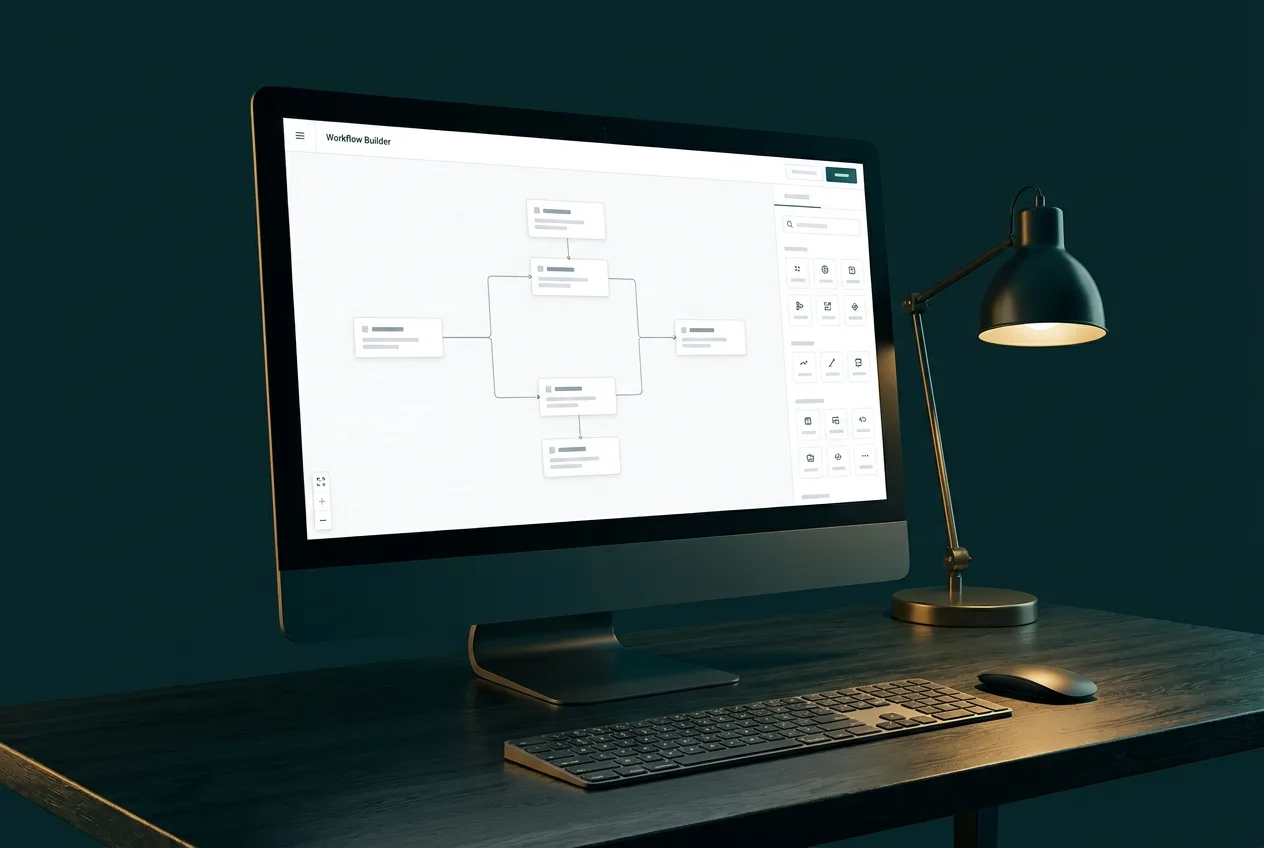
CRM Automation in detail
Why CRMs Get Abandoned
CRMs fail socially before they fail technically: if updating the system costs more effort than it visibly returns, people stop, data rots, and distrust finishes the job. Automation flips that equation — when records maintain themselves and the CRM starts answering questions people actually have, usage sustains itself.
Your Process First, Then the Tool
We configure the CRM to mirror how your business actually sells — your stages, your handoffs, your definitions of a qualified lead. Teams asked to change how they work to suit software rarely comply for long; software shaped around the team gets adopted.
Deliverables
What You Receive
- CRM selection guidance or audit of your existing setup
- Pipeline stages configured around your real sales process
- Automated contact creation from forms, email, chat, and calls
- Lead routing and assignment rules with escalation
- Activity logging and follow-up task automation
- Stale-deal alerts and pipeline hygiene workflows
- Integration with email, calendar, forms, and marketing tools
- Dashboards, team training, and documentation
How It Runs
The Process, Step by Step
01
Process Mapping
Document how leads actually move from first contact to closed — the CRM must mirror reality, not fight it.
02
Configure
Pipelines, fields, and views set up around that process, stripped of clutter nobody will use.
03
Connect
Forms, email, calendar, and other lead sources integrated so records create and update themselves.
04
Automate
Routing, task creation, reminders, and stale-deal alerts built and tested.
05
Train
Your team learns a system designed to need minutes of their day, not hours.
06
Refine
Post-launch adjustments based on how the team actually uses it.
Platforms
Tools We Work With
- HubSpot-class CRMs
- Zapier / Make
- Email platforms
- Calendar tools
- Web form platforms
- Reporting dashboards
Good Fit
Who This Service Suits
- Teams whose CRM is out of date the moment anyone looks at it
- Businesses tracking their pipeline in spreadsheets and inboxes
- Companies where leads are lost in handoffs between people
- Owners who cannot see their pipeline without asking around
- Teams adopting a CRM for the first time and wanting it done right
Questions
Frequently Asked Questions
Related Services
Often Combined With


Contact NYZ Digitals
Miilind Parkara
Founder & AI Strategist
- Digital Marketing with AI
- AI Automation
- Website Development
AI-Driven Growth for Modern Businesses
Ready to Talk About CRM Automation?
Tell us where your business is today and what you want it to do next. We'll recommend a practical starting point — honestly.
Prefer to talk? 226 238 8284 · miilind@nyzdigitals.com