
AI Automation
Automate Repetitive Work. Keep the Human Decisions.
NYZ Digitals designs connected automation systems that can reduce manual work, improve response time, and create more consistent business processes.
AI Automation overview image
The Business Problem
What This Service Solves
In most growing businesses, valuable hours disappear into work no one was hired to do: copying enquiry details into a spreadsheet, chasing leads who filled in a form three days ago, sending the same onboarding email for the hundredth time, reminding clients about appointments, assembling the same weekly report. Each task is small; together they consume entire roles.
The cost is not just time. Manual processes are inconsistent — a lead that arrives on a busy Friday gets a slower, weaker response than one that arrives on a quiet Tuesday. Follow-ups get forgotten. Data ends up slightly different in every tool. And the people doing this work are usually the same people you need focused on customers and revenue.
Automation addresses this directly — but only when it is designed around your actual processes, with clear points where humans review and decide. Bolting tools together without that design creates a different kind of mess. This service exists to do it properly.
Service Overview
How AI Automation Works at NYZ Digitals
AI Automation is NYZ Digitals' systems-building service. We map the repetitive processes inside your business — how leads arrive, how they are followed up, how appointments are booked, how information moves between tools — and design connected workflows that handle the mechanical parts automatically.
The philosophy is fixed: automate the repetition, keep the human decisions. Workflows are built with explicit approval points where judgment matters, and every system is documented so your team understands what runs, when, and why. Automation should make your business more legible, not more mysterious.
AI Automation in detail
Automation Discovery: Finding What Is Worth Automating
Not everything should be automated. The discovery phase examines how work actually flows through your business — often different from how anyone assumes it flows — and identifies processes that are frequent, rule-based, and costly in time. Rare, judgment-heavy work stays with people.
The result is a prioritized roadmap: what to automate first for the fastest return of time, what to schedule later, and what to deliberately leave manual.
Workflow Mapping Before Any Building
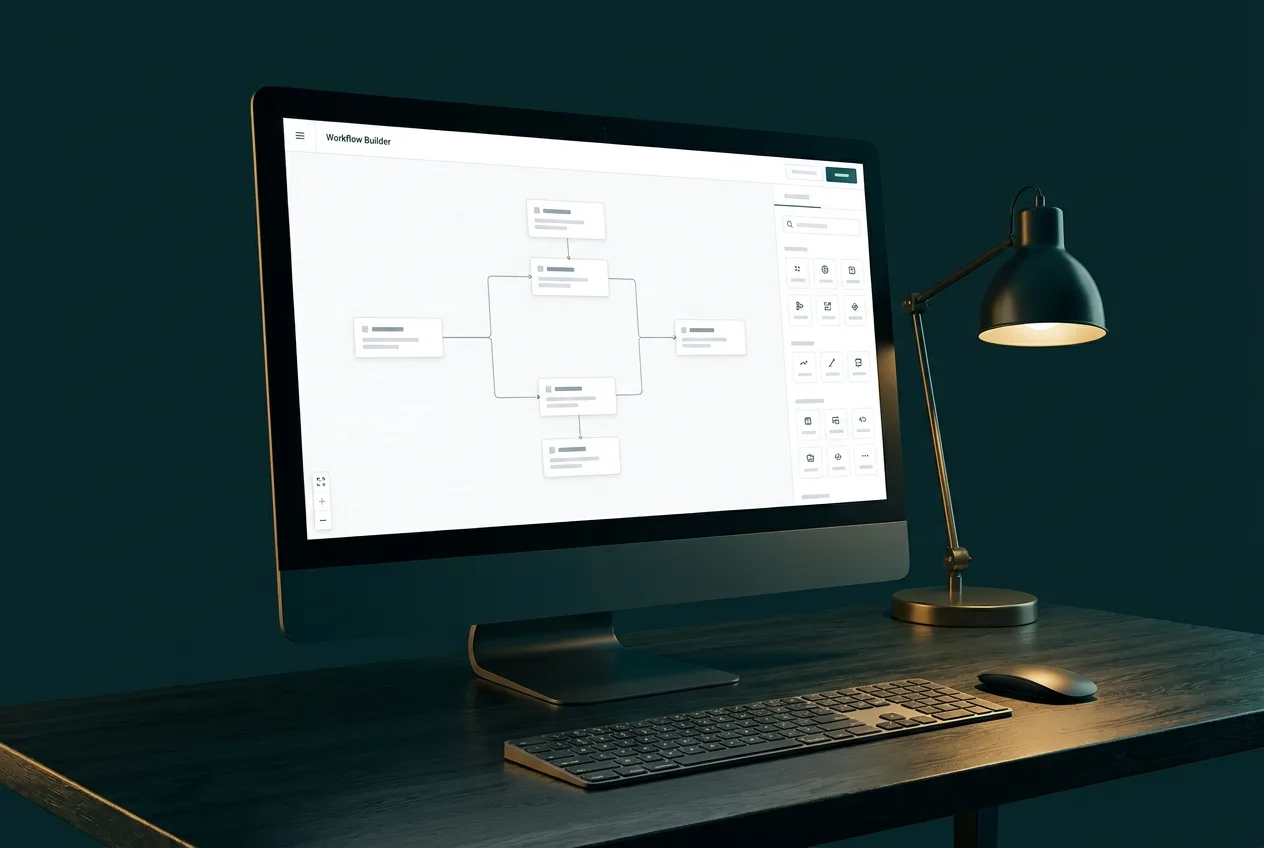
Every workflow is mapped visually before a single connection is configured: what triggers it, each step it performs, where it branches, what happens when something fails, and where a human checks or approves. You review and sign off on the map first — so the system that gets built is the system you expected.
Lead Capture That Never Sleeps
Enquiries arrive from website forms, chat widgets, phone calls, and social messages — often into four different inboxes. Lead capture automation funnels all of them into one pipeline: the enquiry is recorded, an acknowledgment goes out immediately, and the right person is notified within seconds, at 2 p.m. or 2 a.m.
CRM Integration and Lead Routing
A CRM only helps if it is accurate, and it is only accurate if updating it is not a chore. We connect your lead sources so that contacts, enquiry details, and activity history are recorded automatically, and we configure routing rules so each lead reaches the right owner based on service, location, or value — with escalation if no one acts in time.
Email Automation and Follow-Up Systems
Most enquiries are not lost to competitors — they are lost to silence. Automated follow-up sequences respond immediately, then continue with useful, well-spaced messages triggered by what the recipient actually does. Booking a call stops the sequence; going quiet prompts a different message. Sequences are written with human care and reviewed before they ever send.
Appointment Workflows
Booking, confirmation, reminders, rescheduling, and no-show follow-up can all run automatically around your real calendar. Clients book from live availability, reminders reduce no-shows, and cancellations trigger rebooking prompts — with your team stepping in only when something genuinely needs a person.
Customer-Service Automation and AI Assistants
A well-configured AI assistant can answer the questions your team types out twenty times a week — hours, pricing structure, service scope, next steps — instantly and around the clock. We build assistants grounded in your approved information only, with a clear handoff: anything sensitive, unusual, or high-stakes routes to a human, with full context attached.
Data Synchronization Across Your Tools
When the CRM, invoicing tool, email platform, and spreadsheet each hold a slightly different version of the truth, every report becomes an argument. Synchronization workflows keep records consistent across systems automatically, so a change made once is reflected everywhere it needs to be.
Reporting Automation
The weekly numbers your team assembles by hand — leads by source, bookings, pipeline status, campaign spend — can be compiled and delivered automatically on schedule. People read reports and make decisions; systems do the gathering.
Human Approval Controls
Automation should never mean losing control. Wherever a step involves judgment, money, or reputation — a quote, an unusual request, a message to an important client — the workflow pauses and asks a person. Approval points are designed in from the mapping stage, not patched on after something goes wrong.
To be direct about a common worry: automation as we build it does not replace employees. It removes the mechanical work from their day so their time goes to the customer-facing, judgment-based work that actually needs them.
Security and Privacy Considerations
Automated systems handle real customer data, so they are built with restraint: connections use each platform's official authentication, workflows access only the data they need, and customer information is not routed through tools that have no reason to hold it. We document what data each workflow touches so you can answer privacy questions confidently.
Maintenance and Optimization
Tools update, APIs change, and businesses evolve — workflows need tending. Ongoing maintenance covers monitoring for failures, adapting workflows when your process or platforms change, and periodic reviews to find new automation opportunities as the easy wins compound.
Visual Example
What a Connected Workflow Looks Like
A typical lead-handling automation. Every workflow is mapped to your actual tools and includes human approval points where judgment matters.
- 1Website Form
- 2Lead Qualification
- 3CRM
- 4Email Follow-Up
- 5Sales Notification
- 6Reporting
Deliverables
What You Receive
- Automation audit identifying the highest-value processes to automate first
- Visual workflow maps documenting each automated process end to end
- Lead capture automation connecting forms, chat, and phone enquiries to one pipeline
- CRM setup or integration with automated data entry and lead routing
- Email follow-up and nurture sequences triggered by real behaviour
- Appointment booking, reminder, and rescheduling workflows
- Data synchronization between the tools your team already uses
- Automated report generation and delivery on a schedule
- Documentation and team training for every deployed workflow
How It Runs
The Process, Step by Step
01
Discovery Audit
We inventory your repetitive processes, the tools involved, and where time and leads are currently being lost.
02
Prioritize
Processes are ranked by impact and effort, so automation starts where it returns the most time soonest.
03
Map
Each selected process is mapped visually — triggers, steps, decision points, and where a human must approve.
04
Build
Workflows are built on reliable platforms and connected to your existing tools, in a test environment first.
05
Test
Every path is tested with real scenarios, including failures — what happens when a form is half-filled or an API is down.
06
Deploy & Train
Workflows go live with documentation and a walkthrough so your team knows exactly what runs automatically.
07
Monitor & Improve
We monitor performance, fix edge cases, and extend workflows as your processes evolve.
Platforms
Tools We Work With
- Zapier / Make
- HubSpot-class CRMs
- Email automation platforms
- Calendar and scheduling tools
- AI assistants and chatbots
- Webhooks and platform APIs
- Google Workspace
Good Fit
Who This Service Suits
- Businesses where leads or enquiries sometimes slip through the cracks
- Teams spending hours each week on data entry, follow-ups, or copy-paste work between tools
- Service businesses managing appointments, reminders, and recurring client communication
- Owners who want faster, more consistent response times without hiring for it
- Companies whose tools — forms, CRM, email, calendar, invoicing — do not talk to each other
Questions
Frequently Asked Questions
Related Services
Often Combined With
Contact NYZ Digitals
Miilind Parkara
Founder & AI Strategist
- Digital Marketing with AI
- AI Automation
- Website Development
AI-Driven Growth for Modern Businesses
Ready to Talk About AI Automation?
Tell us where your business is today and what you want it to do next. We'll recommend a practical starting point — honestly.
Prefer to talk? 226 238 8284 · miilind@nyzdigitals.com